A slow website is more than just a nuisance—it can cost you traffic, leads, and conversions. If you’re running your site on Wix and noticing long load times in 2026, you’re not alone. Many business owners, creators, and entrepreneurs using Wix often ask: “Why is my Wix site so slow?”
In this guide, we’ll walk through proven, up-to-date strategies to fix a slow Wix website, improve your loading times, and keep your visitors engaged. Whether you’re a beginner or already have a live site, you’ll learn easy-to-follow tips that actually work.
Why Your Wix Website Might Be Slowing Down
Before we fix the problem, let’s look at what’s causing it. Some common culprits behind a sluggish Wix site include:
- Too many large images
- Overuse of animations and effects
- Unoptimized mobile design
- Slow third-party apps or widgets
- Outdated Wix templates
These issues are easy to overlook, but they can quietly drag down your site’s performance over time.
The first step is measuring your site’s current performance. Use Wix Site Speed Dashboard (available in your Wix Editor) or external tools like PageSpeed Insights to analyze performance.
These tools help identify slow-loading elements, oversized images, or heavy scripts. Take note of what’s dragging the page down—this is where we start optimizing.
Optimize Images the Right Way
One of the most common reasons users need to fix a slow Wix website is oversized images.
📌 Image Optimization Checklist:
- Use JPG for photos and PNG for graphics with transparency.
- Compress images with tools before uploading.
- Enable lazy loading in your Wix image settings.
- Avoid setting image widths above 2000px unless necessary.
Even one unoptimized image can cause major lag—especially on mobile.
Reduce Animations and Effects
Animations may look great, but they can seriously slow your site down. Stick to one or two subtle effects per page. In 2026, Wix still offers beautiful design without overusing transitions.
✅ Pro Tip: Avoid parallax scrolling unless it’s essential. It adds unnecessary load on most devices.
Limit Third-Party Apps and Embeds
Wix’s App Market is powerful, but using too many apps or embeds (like maps, forms, or popups) can increase your load time.
If you’re using multiple apps:
- Remove any that are not mission-critical.
- Replace external embeds with native Wix alternatives when possible.
- Check each app’s performance using Wix’s Developer Tools.
Use a Clean, Lightweight Template
If your site was built years ago or with a heavy template, consider switching to a newer, faster one. Wix regularly updates its templates to align with modern speed and UX standards.
You can rebuild essential pages using a clean layout and migrate content gradually.
Internal link
Mobile Optimization is Critical in 2026
Most traffic in 2026 comes from mobile. If your site lags on smartphones, visitors will bounce.
Use Wix’s Mobile Editor to:
- Hide large elements (e.g., high-res background images)
- Use mobile-specific layouts and padding
- Reduce the number of visible widgets
📈 Wix SEO Guide:
Upgrade to Wix Premium Hosting
Free Wix plans offer limited bandwidth and slower servers. If you’re serious about performance, upgrading to a Premium Plan gives you faster load times, more storage, and better infrastructure.
External Source:
Image Placeholder
🖼 Image Prompt:
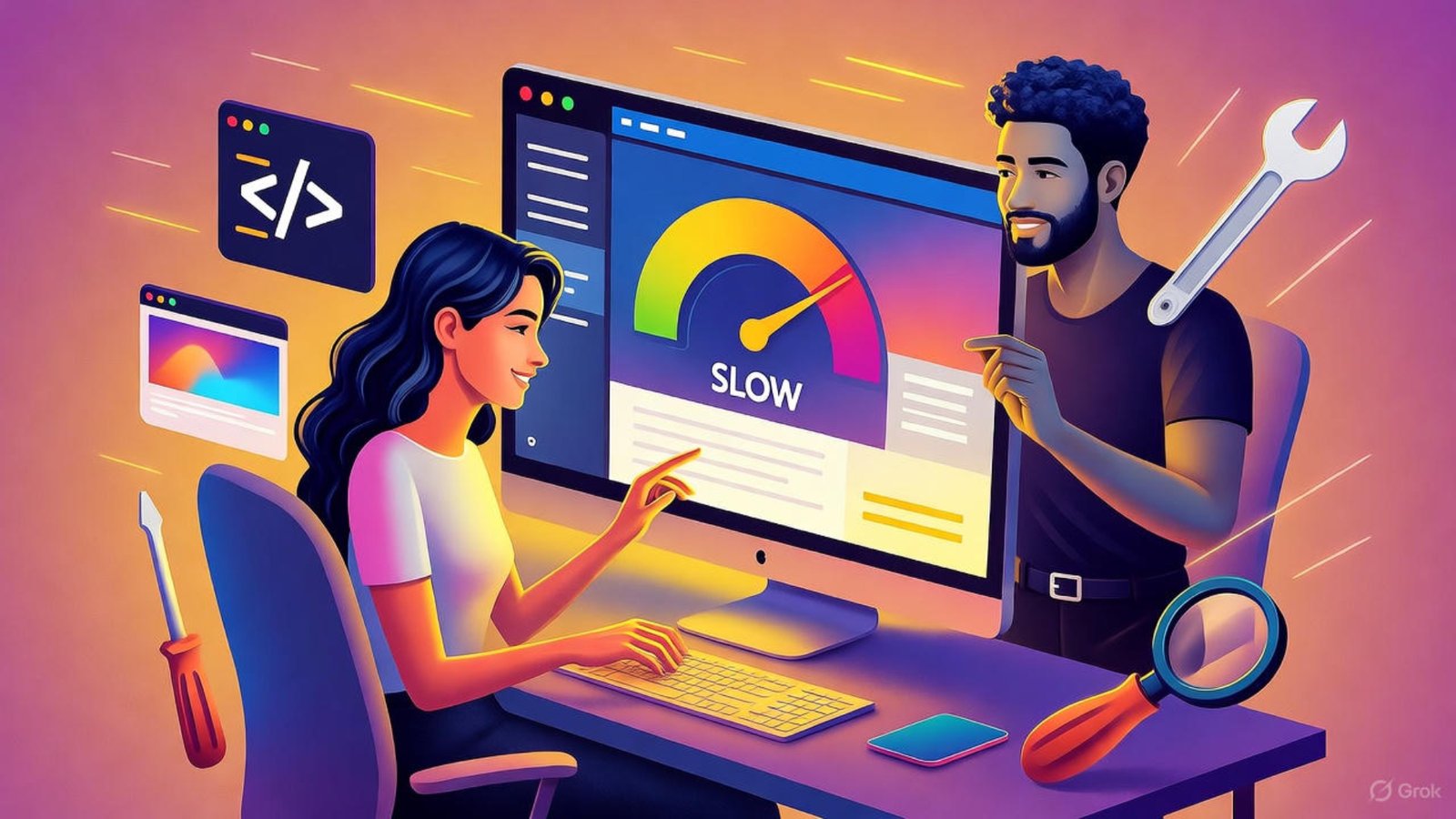
A split-screen view showing a slow-loading Wix site on the left and an optimized, fast-loading version on the right.
- Alt Text: Before and after fixing slow Wix website
- Caption: Comparing slow vs. fast Wix website performance
- Description: This image shows how optimizing media, design, and hosting can fix a slow Wix website in 2026.
Boost Speed With Wix Velo (Advanced Users)
Wix Velo lets developers build custom logic while maintaining performance. If you use it correctly, it won’t slow your site. Minimize custom scripts and test each function to avoid conflicts.
Use Wix’s built-in code panel debugger to spot lagging elements.
External Source:
Clear Cache and Test on Real Devices
Wix may cache older versions of your site. Always publish updates and test your site in incognito mode or using tools like
Checking performance on mobile networks (3G/4G) can reveal issues not seen on fast Wi-Fi.
When to Hire a Wix Expert
If you’ve tried all the above and your site still lags, it’s time to bring in professional help. An experienced Wix designer and developer can:
- Audit your entire site
- Rebuild key pages for speed
- Implement advanced optimization using Velo or custom code
🔗 Ready to upgrade your site?
FAQs: Fixing a Slow Wix Website
1. Why is my Wix website still slow after optimizing images?
There may be too many apps or scripts running in the background. Try simplifying your page layout.
2. Can I speed up Wix on mobile only?
Yes, use the Mobile Editor to hide large content or adjust layout for better mobile speed.
3. Are Wix Premium Plans faster?
Yes. Upgrading gives you access to faster servers and better bandwidth.
4. Does Wix compress images automatically?
Wix does apply some compression, but it’s best to optimize images yourself before uploading.
5. What’s the best tool to test Wix site speed?
Use PageSpeed Insights for general performance and Wix’s Site Speed Dashboard for platform-specific data.
Final Thoughts
Speed isn’t just about performance—it’s about professionalism. If you’re building your brand on Wix in 2026, don’t let a slow site hold you back.
Whether you’re just starting out or running a full eCommerce store, you can fix a slow Wix website with a few focused improvements. Need help?
👉 Visit aounraza.mrwebapp.com to connect with a professional Wix designer and developer. Let’s build a faster, better web presence together.




Add a Comment