In 2026, launching a website no longer requires technical skills or a background in web development. If you’re a startup founder, freelancer, or small business owner, learning how to build a Wix website without coding can be one of the smartest moves for your brand. With Wix’s user-friendly drag-and-drop editor and built-in tools, building a professional online presence is now simpler than ever — and this guide shows you exactly how to do it.
Why Choose Wix for Code-Free Website Building?
Wix has earned its place among the top website builders globally due to its flexibility, modern templates, and ease of use. If you’re looking to design your site without coding knowledge, Wix is an ideal choice.
According to Wix, more than 250 million users rely on the platform to power their websites. Whether you’re building a blog, an eCommerce store, or a personal portfolio, Wix’s tools are designed to help you achieve that without writing a single line of code.
Getting Started: What You Need Before Building
Before you dive into design, it helps to gather a few essentials:
- A clear website goal (e.g., bookings, portfolio, sales)
- High-quality images or logos
- A short brand description or tagline
- An idea of your preferred layout or style
Once you have these in place, you’re ready to create your Wix account and begin building.
Step-by-Step: Build a Wix Website Without Coding
1. Set Up Your Free Wix Account
Go to Wix.com and sign up for a free account using your email or Google profile. You’ll be asked about the purpose of your website so Wix can suggest templates accordingly.
2. Pick a Modern, Responsive Template
Wix offers hundreds of professionally designed templates. Choose one that fits your industry and allows customization. Templates are responsive, ensuring mobile and desktop compatibility.
💡 Internal link suggestion: Learn more about choosing templates on mrwebapp.com/templates-for-wix-sites
3. Use the Drag-and-Drop Editor
Wix’s visual editor is its core feature. You can drag text, images, forms, and buttons directly onto the page. No code required — just click and customize.
Creating a Strong Visual Experience
Great design doesn’t require a design degree. Wix enables users to manage layout, color schemes, and typography easily. Focus on clarity, brand consistency, and user experience.
Tips for Visual Clarity
- Use whitespace to make content breathable
- Stick to two or three brand colors
- Choose easy-to-read fonts (sans-serif preferred)
💡 Internal link suggestion: Need a designer’s eye? Hire a Wix designer on aounr
aza.mrwebapp.com/wix-design-help
Add Functionality with Wix Apps
The Wix App Market offers tools to boost your site’s power — from contact forms to booking systems and live chat. These are plug-and-play and don’t require any coding.
Popular No-Code Apps
- Wix Bookings (for services and appointments)
- Wix Stores (for online selling)
- Wix Forms (for capturing leads)
🔗 Explore all apps on the Wix App Market
Mobile Optimization: Build Once, Work Everywhere
In 2026, most web traffic comes from mobile devices. Thankfully, Wix makes it simple to optimize your site for mobile using its Mobile Editor. You can adjust the layout, text size, and elements specifically for smaller screens without affecting the desktop version.
Launching Your Website
1. Connect Your Domain
You can use a free Wix domain (e.g., username.wixsite.com/site) or purchase and connect your custom domain for a more professional look.
💡 Internal link suggestion: Learn how to connect domains on mrwebapp.com/wix-custom-domain-guide
2. Choose a Wix Plan
Free plans are great for experimenting, but premium plans offer more storage, remove ads, and allow domain connections.
3. Hit “Publish”
Once you’re satisfied with your design and layout, click “Publish” to make your site live instantly.
Launching your site is just the start. Use these tactics to drive traffic:
- Share on social media platforms
- Set up a free Google Business profile
- Blog regularly with Wix’s built-in blog tool
- Use Wix SEO tools to optimize on-page content
🔗 Learn SEO best practices on HubSpot
SEO Optimization Without Coding
Wix includes built-in SEO tools to help you get found on Google. The Wix SEO Wiz walks you through the basics step-by-step.
Key Areas to Optimize:
- Page titles and meta descriptions
- Image alt text
- Clean, keyword-friendly URLs
- Fast loading speed and mobile compatibility
You don’t need any HTML knowledge — it’s all managed via simple toggles and fields.
When to Hire a Wix Developer
While Wix is beginner-friendly, you may eventually want advanced design or integrations. A professional Wix developer can help optimize speed, add animations, or structure your content better.
As a Wix designer and developer on aounraza.mrwebapp.com, I help clients build modern, user-focused sites that are fast, functional, and conversion-ready — without technical overwhelm.
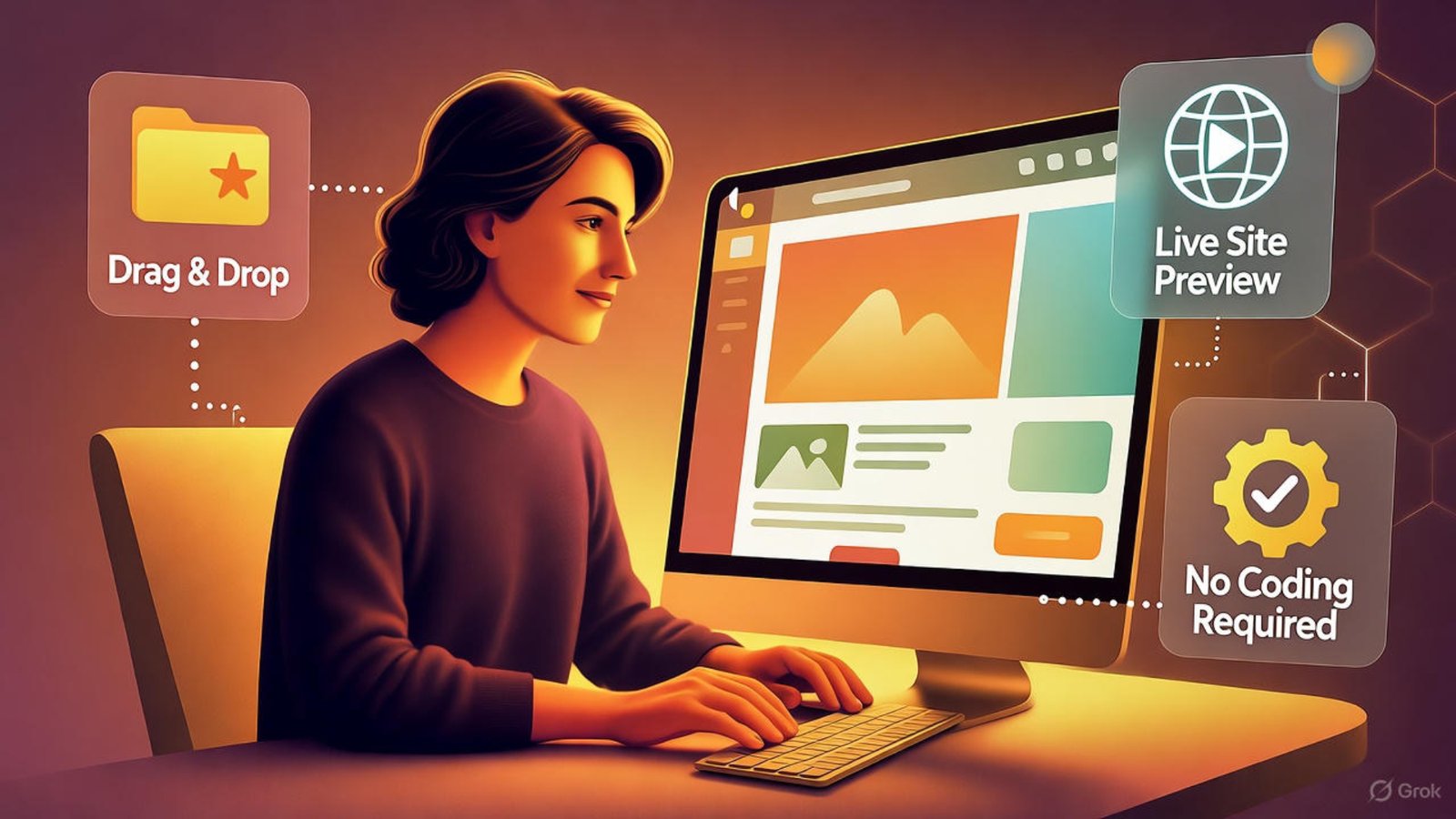
Image Placeholder
Alt Text: Beginner using Wix drag-and-drop editor to build website
Caption: Build your Wix site visually without touching code
Description: This image shows a user building a Wix website using the drag-and-drop editor, perfectly illustrating how to build a Wix website without coding.
Frequently Asked Questions (FAQs)
1. Can I build a Wix website without any tech background?
Yes, Wix is designed for non-tech users. Everything is visual and beginner-friendly.
2. How long does it take to build a site on Wix?
Most users can build and publish a simple website within a day.
3. Is Wix free to use in 2026?
Wix offers a free version, but premium features require a paid plan.
4. Can I sell products on my Wix site without coding?
Yes, use the Wix Stores app to manage products, payments, and shipping — no coding needed.
5. Can I move my Wix website to another platform later?
Wix sites can’t be migrated directly, but content can be manually moved if needed.
Ready to Launch Your Wix Website?
Building a Wix website without coding in 2026 is truly achievable — and it’s a smart, scalable option for creators, freelancers, and small businesses alike. If you’re ready to bring your idea to life and need expert help, I offer Wix design and development services crafted to support your growth.
👉 Explore services at aounraza.mrwebapp.com and get started today




Add a Comment