Creating a professional online presence in 2025 doesn’t require complex coding or expensive developers. Thanks to platforms like Wix, anyone can build a website on Wix in 2025 without coding and still achieve a stunning, high-performing site. Whether you’re a business owner, freelancer, or content creator, this step-by-step guide will show you how to design, optimize, and launch a fully functional website — no technical experience needed.
Why Choose Wix for Your 2025 Website
Wix remains one of the most popular website builders worldwide, used by over 250 million people. It’s perfect for beginners because everything works visually — you simply drag, drop, and publish.
In 2025, Wix has introduced smarter AI tools like Wix Studio and ADI 2.0 (Artificial Design Intelligence), making website creation even faster. These tools automatically generate layouts, color schemes, and design elements that suit your industry.
According to Wix.com, the latest version provides enhanced SEO, faster loading, and improved mobile responsiveness — all critical for ranking higher on Google.
Step 1: Sign Up and Choose Your Website Type
The first step to build a website on Wix 2025 is to create a free account. Once you log in, Wix will ask what type of site you want — business, portfolio, blog, or eCommerce.
Choosing the right category helps Wix suggest the most relevant templates. You can later customize everything, from colors and typography to animations and layout.
👉 Tip: If you plan to sell products, pick an eCommerce template that supports secure payments, shipping, and inventory management.
For help getting started, you can also explore Wix Website Design Services on our platform.
Step 2: Pick a Template or Let AI Design It
Wix gives you two ways to design your website:
- Wix Editor – Perfect for those who want control over every detail.
- Wix ADI – Great if you prefer AI to handle the setup.
When you choose ADI, Wix asks simple questions like your business name and goals. Within minutes, it builds a customized layout for you.
Even though no coding is needed, you can still tweak designs later using the drag-and-drop tools.
Step 3: Customize Your Layout and Design
Now comes the fun part — personalizing your site. You can edit sections, upload your logo, and choose from hundreds of fonts and color palettes.
When customizing your design:
- Use large, readable text and consistent colors.
- Stick to 2–3 font styles to maintain visual harmony.
- Keep spacing balanced to make the site easy on the eyes.
For inspiration, browse HubSpot’s design examples to understand how simplicity drives engagement.
If design isn’t your strength, our Website Redesign Packages can transform your ideas into a polished look.
Step 4: Add and Organize Your Content
Content builds trust. Each page should serve a clear purpose — for example, your Home, About, Services, and Contact pages.
Use short paragraphs and friendly language. Add engaging visuals and videos to make your message memorable.
Wix makes it easy to drag content blocks anywhere. If you’re adding products or services, use the Wix Store app to list them with images, pricing, and descriptions.
Make sure every image includes alt text with relevant keywords to enhance accessibility and SEO.
Step 5: Optimize Your Site for Mobile
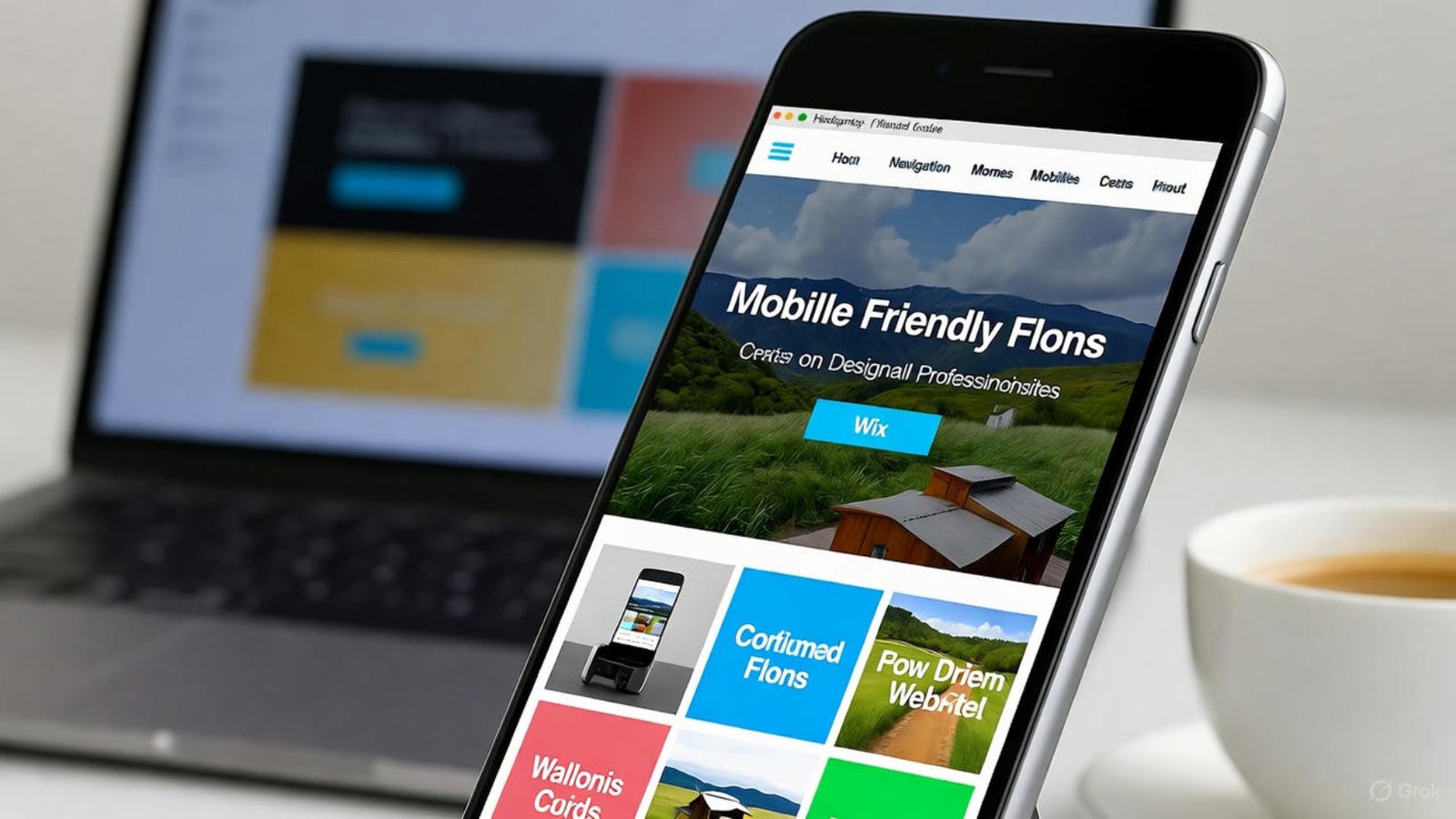
In 2025, over 75% of visitors browse via mobile devices. Wix automatically creates a mobile version, but you can adjust it for better presentation.
Use the Mobile View editor to rearrange sections, resize buttons, and test page speed. A mobile-optimized layout ensures fast loading and smooth navigation.
For more insights, visit our article on Mobile-Friendly Wix Websites 2026.
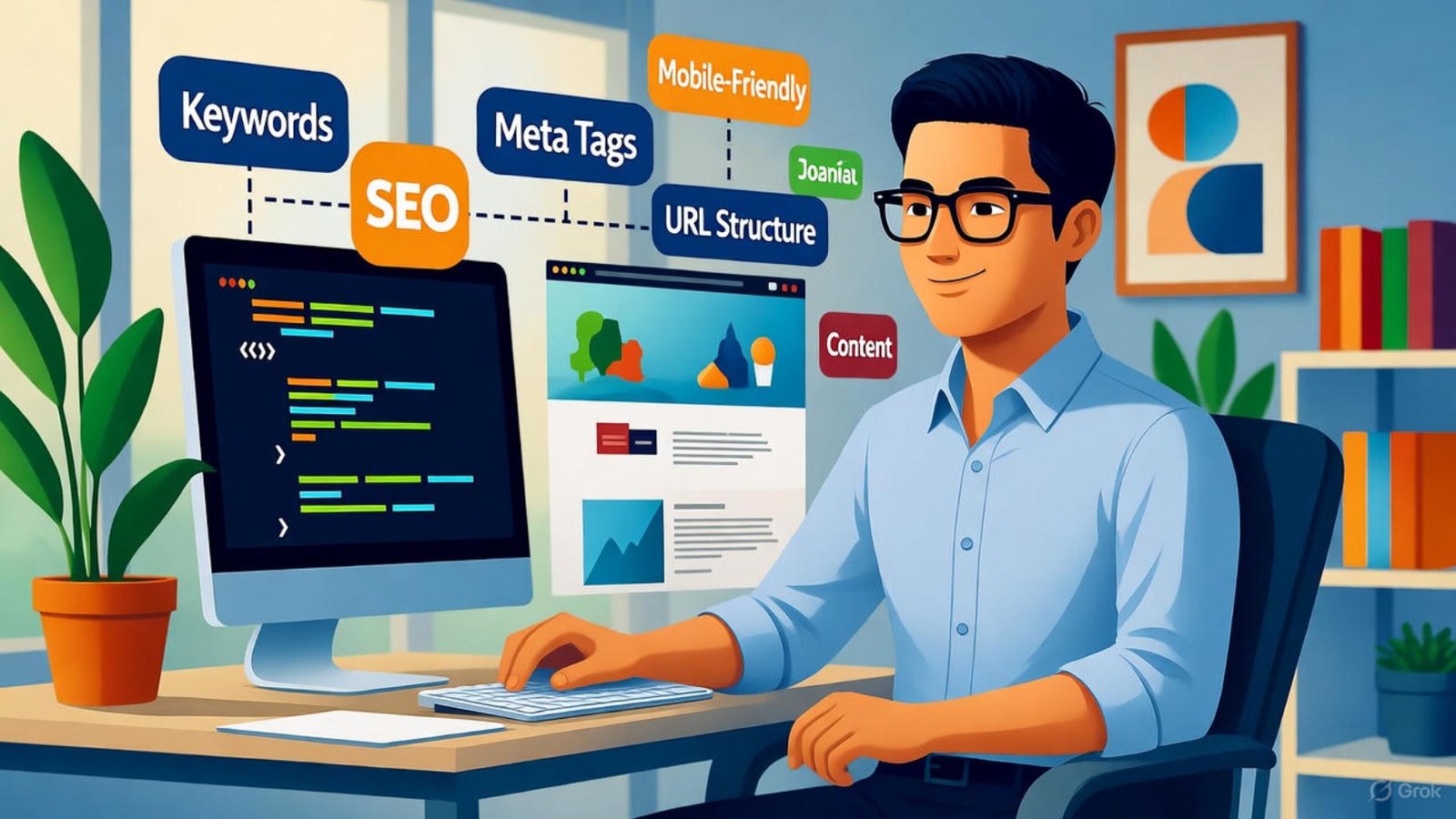
SEO ensures your website gets found on Google. Wix simplifies this through the SEO Setup Checklist in the dashboard.
Here’s what to focus on:
- Add meta titles and descriptions with your focus keyword.
- Optimize image names and alt text.
- Enable HTTPS for security.
- Create a sitemap automatically through Wix.
You can also connect your Google Search Console to monitor performance.
External resources like offer additional strategies that apply to Wix as well.
Step 7: Connect Your Domain and Publish
Once your design and content are ready, it’s time to connect a custom domain. Wix lets you buy one directly or link an existing domain.
For a professional look, choose a domain name that includes your brand or main service (e.g., mybrand.com).
Before publishing, preview your site on desktop and mobile to ensure everything appears correctly.
When you’re satisfied, click Publish — your website is now live!
Step 8: Add Integrations and Analytics
Tracking performance is vital. Use Wix Analytics to monitor visitors, traffic sources, and engagement.
You can also integrate:
- Google Analytics 4 for detailed reporting.
- HubSpot CRM to capture leads.
- Email marketing tools for automated follow-ups.
These integrations help you make smarter marketing decisions and grow your business faster.
Step 9: Keep Your Site Fresh and Secure
In 2025, Google values updated content more than ever. Refresh your text, images, and blog posts regularly.
Wix automatically handles hosting and security, but you should still review updates monthly. Add new testimonials, projects, or blog entries to keep users engaged.
If you ever need expert help maintaining or expanding your site, our team at aounraza.mrwebapp.com offers dedicated Wix maintenance and development support.
The Benefits of Building Without Coding
By choosing Wix, you save time and money without sacrificing quality. Everything is visual, from layout adjustments to adding apps.
No need to hire a developer — you can launch a stunning site in a day. Plus, with AI assistance, personalization, and SEO tools, your Wix website competes with the best in your niche.
Conclusion: Launch Your Wix Website in 2025
You’ve just learned how to build a website on Wix in 2025 without coding — and it’s simpler than you think. Whether you’re starting a new business or revamping your brand, Wix gives you all the tools to design, launch, and grow online successfully.
Ready to bring your vision to life? Visit aounraza.mrwebapp.com to work with a professional Wix designer and developer who can help you create a website that attracts visitors and drives results.
Frequently Asked Questions
1. Is Wix good for beginners in 2025?
Absolutely! Wix’s drag-and-drop builder and AI tools make it perfect for anyone, even with zero coding experience.
2. How long does it take to build a Wix website?
Most users can publish a complete website in one day using templates and the Wix Editor.
3. Can I use Wix for online stores?
Yes. Wix has full eCommerce support, including product management, checkout, and payment integrations.
4. How do I improve my Wix SEO?
Use Wix SEO tools, add descriptive alt texts, and write keyword-rich content naturally.
5. Is Wix free to use?
You can start for free, but upgrading to a premium plan unlocks professional domains and removes Wix ads.